

Design and growth
UI/UX design decisions you can defend
Research, flows, prototypes and design systems for apps, SaaS products and websites.
Overview
Research-led product and web design, tested with real people before it is built.
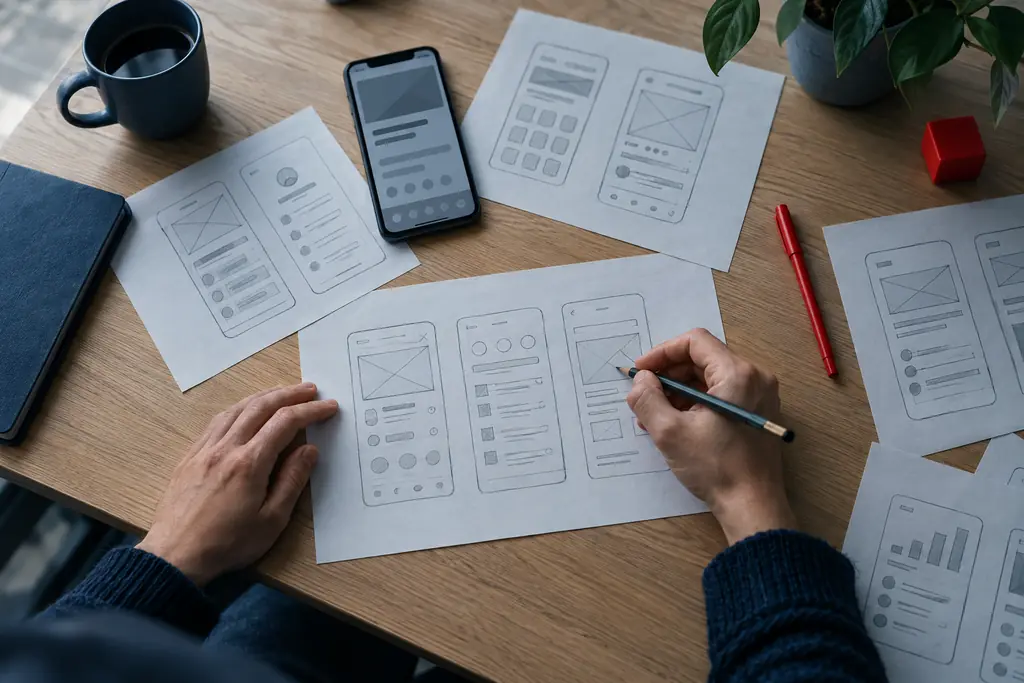
Good interface design is mostly invisible: people finish the task and move on. Getting there means understanding what they are trying to do, testing the flow before it is built, and handing developers a design system rather than a folder of screens. We design the unglamorous states too, such as empty, loading, error and permission screens, because that is where most products lose people.
What is included
- User research and interviews
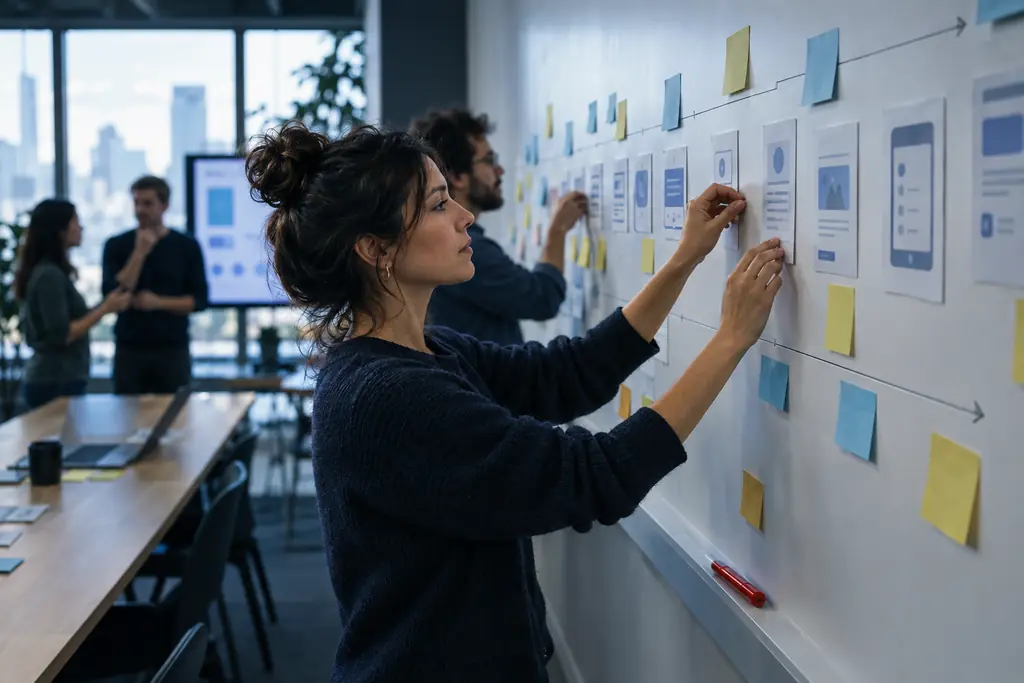
- Journey maps and user flows
- Wireframes and clickable prototypes
- Usability testing
- Visual design and UI kit
- Design system and developer handoff
What you can expect
Decisions backed by evidence
Interviews and usability tests show why a flow works, so design debates end with data instead of opinion.
Flows that cover every state
Empty, loading, error and edge cases are designed, not left for developers to guess.
A design system developers can build from
Tokens, components and usage rules in Figma that map cleanly to code.
Accessible by default
Contrast, focus, touch targets and readable type meet WCAG 2.2 AA from the first screen.
How a UI/UX design project runs
The same four-stage rhythm we use on every engagement, tuned for this kind of work.
Understand
Talk to users and stakeholders, review analytics and map the current journey.
Structure
Define flows and wireframes for the key tasks, including every state.
Test
Put a clickable prototype in front of real users and fix what trips them up.
Systemise
Finalise visual design and package it as a design system for development.
Tools and platforms we use
- Figma
- FigJam
- Maze
- Hotjar
- Lottie
- Storybook
- Tokens Studio
- Notion
UI/UX design questions
What people usually ask before starting a UI/UX design project.
What is the difference between UI and UX design?
UX design is about how a product works: the steps, structure and logic that help people complete a task. UI design is how it looks and feels: layout, type, colour and components. Good products need both, and we treat them as one process so the visual layer always serves the flow.
Do you test designs with real users?
Yes. We run moderated or unmoderated usability tests with five to eight people from your target audience on clickable prototypes. Testing early finds most major usability problems while they are still cheap to fix.
Can you redesign an existing product without disrupting users?
Yes. We start with an audit of analytics, support tickets and usability, then improve the biggest pain points first. Changes can roll out gradually behind feature flags so existing users are not surprised by a sudden new interface.
Do you create design systems?
Yes. We build Figma design systems with tokens for colour, type and spacing, reusable components with variants, and usage guidelines. Where needed we also help developers build the matching coded component library.
Can you design only, and let our team build?
Yes. Many clients use us for design and research while their developers build. We prepare developer-ready files, specs and interaction notes, and stay available during build to answer questions and review implementation.
How long does a UX project take?
A focused UX project for one product area typically takes four to eight weeks, including research, flows, prototype testing and final design. Larger products are phased by area so development can start on the first part while design continues on the next.

Talk to us about UI/UX design
Tell us what you need. We reply within one business day with next steps, questions or a time to talk.