

Product engineering
Mobile app development for apps people keep using
Native and cross-platform iOS and Android apps, planned around how people really use their phones.
Overview
iOS and Android apps built for real devices, real networks and real upkeep.
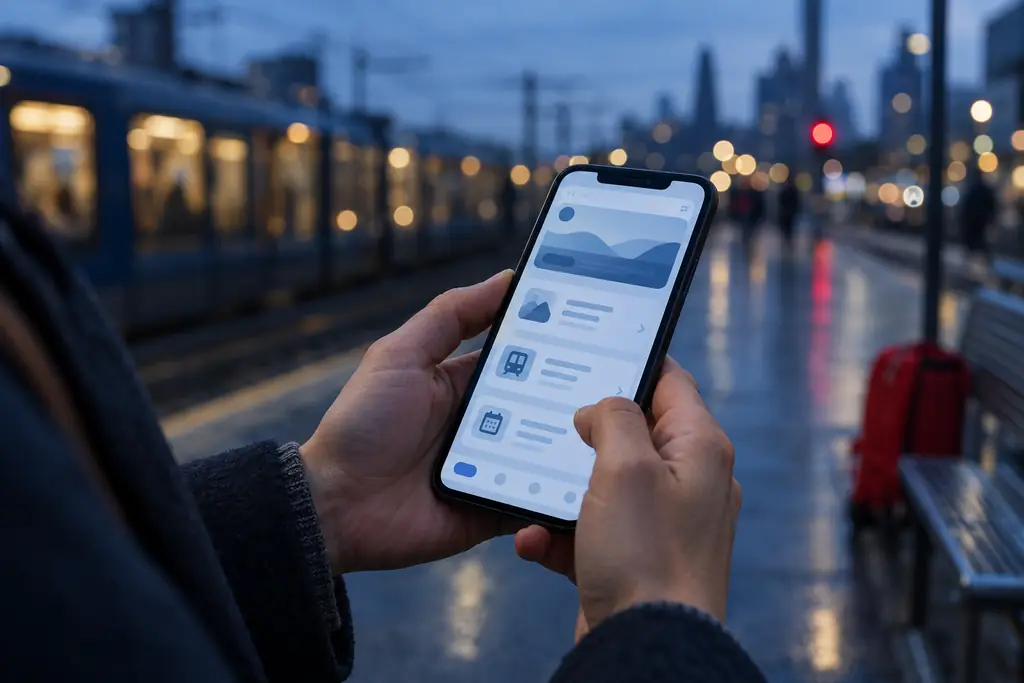
A mobile app has to cope with weak signal, interrupted sessions, old devices and permission prompts that users ignore. Polished mockups rarely show those moments, so they surface late and get expensive. We design the edge cases first: offline states, login expiry, background sync and error recovery. Then we choose native or cross-platform based on what the app needs to do and who will maintain it, not on what we prefer to write.
What is included
- Platform recommendation
- User journeys and edge-case map
- iOS and Android app build
- API and backend integration
- Device testing matrix
- Store submission and release
What you can expect
The right platform choice, written down
A short note compares native and cross-platform for your app, covering device features, performance and long-term cost.
Apps that hold up away from good Wi-Fi
Offline states, retries and sync are designed up front, so the app behaves predictably on a train or in a warehouse.
Smooth store approval
We handle signing, privacy labels, review notes and submission for the App Store and Google Play.
A release process you can repeat
Automated builds and staged rollouts let you ship updates without a nervous all-hands release night.
How a mobile app development project runs
The same four-stage rhythm we use on every engagement, tuned for this kind of work.
Define the core task
List the jobs the app must do on day one, the devices it must support and the systems it connects to.
Design for reality
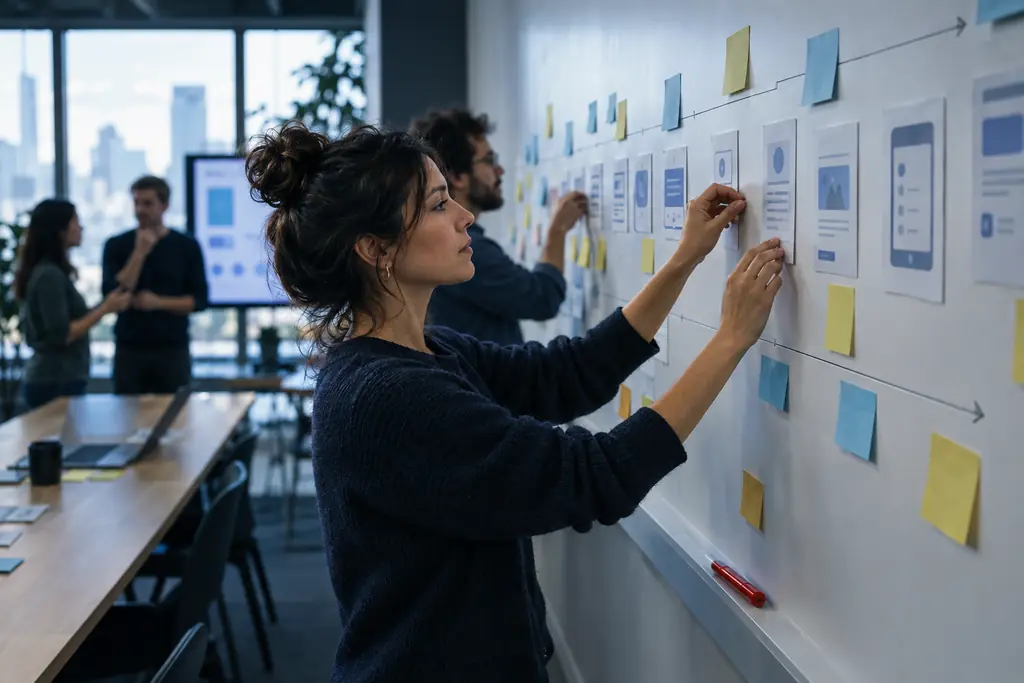
Map journeys including no-signal, expired-session and permission-denied states before visual design.
Build and integrate
Develop app and backend together in short cycles, testing on real devices throughout.
Release and monitor
Submit to the stores, roll out in stages and watch crash and usage data from the first day.
Tools and platforms we use
- Swift
- Kotlin
- Flutter
- React Native
- Firebase
- Node.js
- GraphQL
- Sentry
Mobile app development questions
What people usually ask before starting a mobile app development project.
Should we build native or cross-platform?
Choose cross-platform, such as Flutter or React Native, when you need iOS and Android quickly from one codebase and the app is mostly forms, content and standard device features. Choose native when the app depends heavily on device hardware, complex animation or platform-specific features. We write the recommendation down with the trade-offs so the decision is clear to everyone.
How much does a mobile app cost to build?
The main cost drivers are the number of screens and user roles, offline needs, integrations with other systems and whether a backend must be built from scratch. A simple app with an existing backend costs far less than a two-sided marketplace. After a short discovery we give a fixed price for design and an estimate for the build.
Do you handle App Store and Google Play submission?
Yes. We prepare signing certificates, store listings, privacy declarations and review notes, then manage submission and any reviewer questions. Apps are published under your own developer accounts so you keep full ownership of the listing, reviews and download history.
Can you take over an existing app?
Yes. We start with a short code and architecture review covering build health, dependencies, crash data and security. You get a written list of what to fix now, what can wait and what to leave alone, before we commit to new feature work.
How do you make apps work with poor connectivity?
We decide early which actions must work offline, store that data on the device and sync it safely when the connection returns. Every screen gets a defined loading, empty, error and retry state, so users always know what is happening and never lose work.
Who maintains the app after launch?
Phones and operating systems change every year, so apps need regular updates. You can keep us on a maintenance plan covering OS updates, dependency upgrades, monitoring and small fixes, or we hand over to your team with documentation and a working build pipeline.

Talk to us about mobile app development
Tell us what you need. We reply within one business day with next steps, questions or a time to talk.